Documents pile up before anyone can act
Invoices, forms and attachments need to be read and entered manually. Work waits while your team sorts the inbox.
AI automation with control
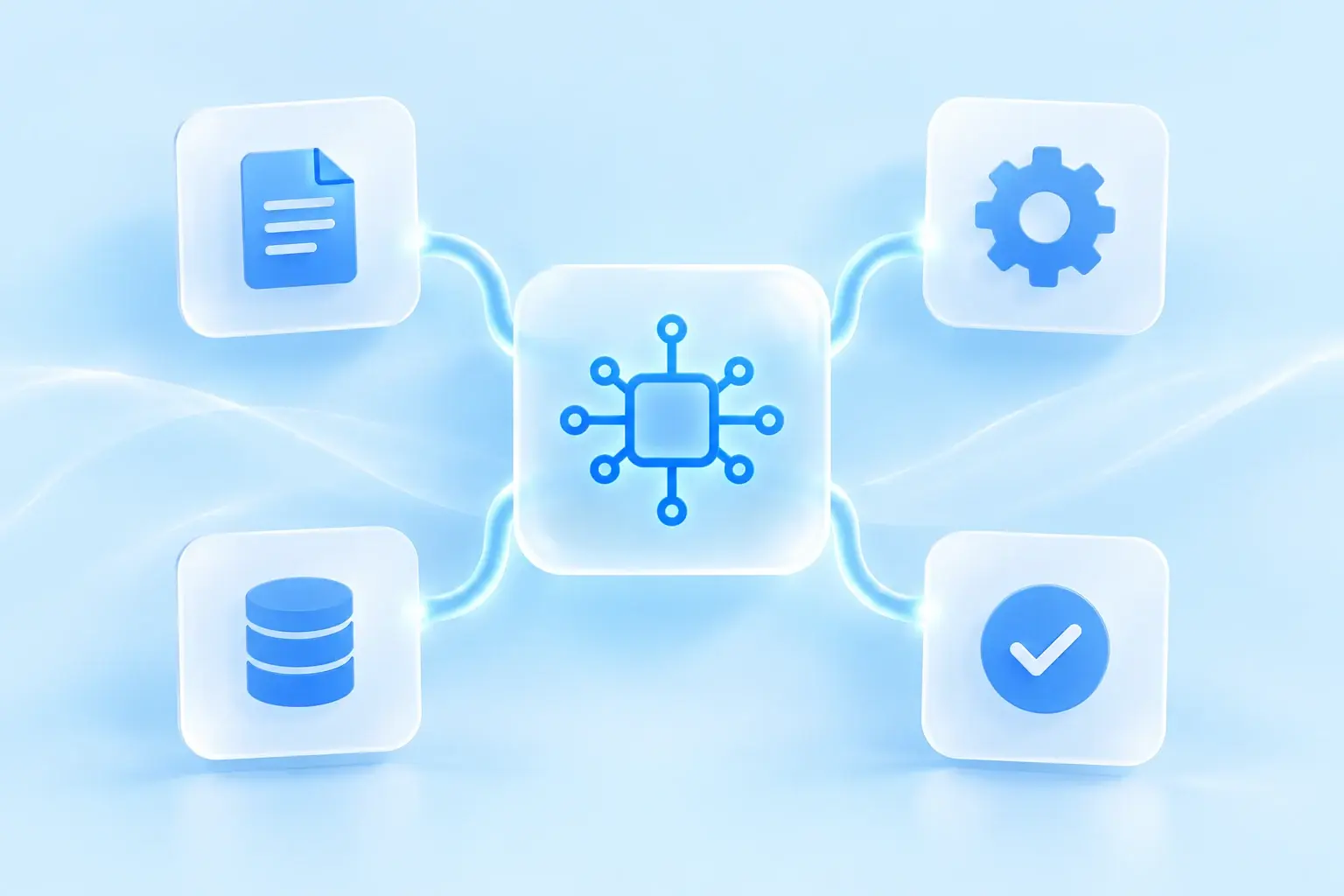
We automate document entry, inquiry routing, answer preparation and reporting. We connect AI to the tools you already use, with your team reviewing the decisions that need their judgment.
Pilot
One measurable workflow
Integration
Your existing tools
Approach
Human review built in
01
Identify repetitive tasks, missing information, and steps where work stalls. We use those needs to build a solution for your team.
Invoices, forms and attachments need to be read and entered manually. Work waits while your team sorts the inbox.
Employees search emails, folders and CRM notes for information they need to respond to a customer.
Collecting figures, updating systems and forwarding requests consumes time that could go into serving customers.
02
We extract agreed fields from invoices and forms, check them and send them to your system. Unclear cases go to a person for review.
An assistant searches approved company documents and shows sources, helping employees answer recurring questions with the right context.
We classify requests, route them to the right team and prepare reply drafts in your CRM or helpdesk, with approval where needed.
We connect agreed data sources, schedule reports and flag missing information so your team can focus on interpreting the results.
03
04
Each stage ends with a concrete decision, keeping scope, cost, and responsibility visible.
01
Measure current volume, handling time, error cost, and the exact result the automation must produce.
02
Define access, examples, sensitive data, review points, fallbacks, and integration boundaries.
03
Test quality, latency, operating cost, and exceptions before connecting the workflow to production actions.
04
Log outcomes, review uncertain cases, monitor cost and drift, and expand only when the pilot is reliable.
05
We tailor the scope to your workflows, features, and integrations. These options show possible stages, from validating an idea to building a complete system.
Typical timeline: 1–3 weeks
Use-case selection, sample data, feasibility, quality baseline, and controlled prototype.
Typical timeline: 3–8 weeks
One integrated automation with review, logging, exceptions, and operational documentation.
Typical timeline: 2–6+ months
Several workflows, data sources, permissions, monitoring, and business-system integrations.
06
AI automation cost depends on data preparation, integrations, evaluation, security, human review, and operating volume. Start by defining one bounded workflow and measurable acceptance criteria.
A prototype can take one to three weeks. A production workflow with integrations, review, logging, and exception handling commonly takes three to eight weeks.
Choose a frequent, measurable task with clear inputs, repeatable judgment, available examples, and a person who can review uncertain results. Avoid starting with the most politically or legally sensitive process.
Yes, when the system offers an approved API or integration method. The automation should use the least access needed and log every production action.
Use representative evaluation cases, structured outputs, source grounding, confidence thresholds, business rules, human review, logging, and fallbacks. No model should be treated as error-free.
A clear next step
We will suggest what we can simplify, how the solution would work, and the scope and budget for a useful first release.
Send an inquiry